
Installing the Model Loader
The Model Loader lets you download the AI models required for image generation in the Local Generation module. It also includes a local server that runs the downloaded AI models.
Note: To use the Local Generation module, we recommend a dedicated (not integrated) NVIDIA graphics card with at least 8 GB of memory, the NVIDIA App installed, and up-to-date drivers.
Installation Steps
- Download the Model Loader from the download page.
- Run the downloaded file and follow the installation wizard prompts.

- Once installation is complete, launch the Model Loader to download the models required for image generation.
- In the Models tab, select the models you need in the AliveColors group and click Download Selected.

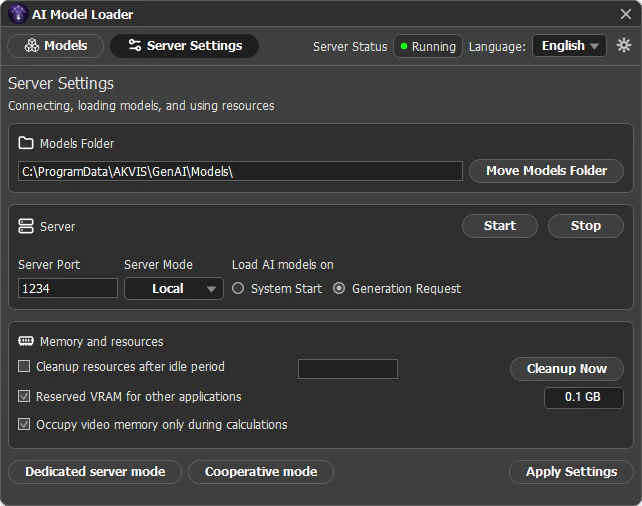
- Make sure that the generation server is running. If needed, adjust the settings in the Server Settings tab and click Save Settings.
- The Local Generation module is now ready for use.